
Find CA + Domain Age
When hovering over any website and opening the uxtension extension, there is a built-in CA Finder and Domain Age Checker.
Find CA:
Section titled “Find CA:”To find a contract address on any webpage, simply open uxtension while on the page and click Find CA and uxtension will quickly fetch any CA located on the website.
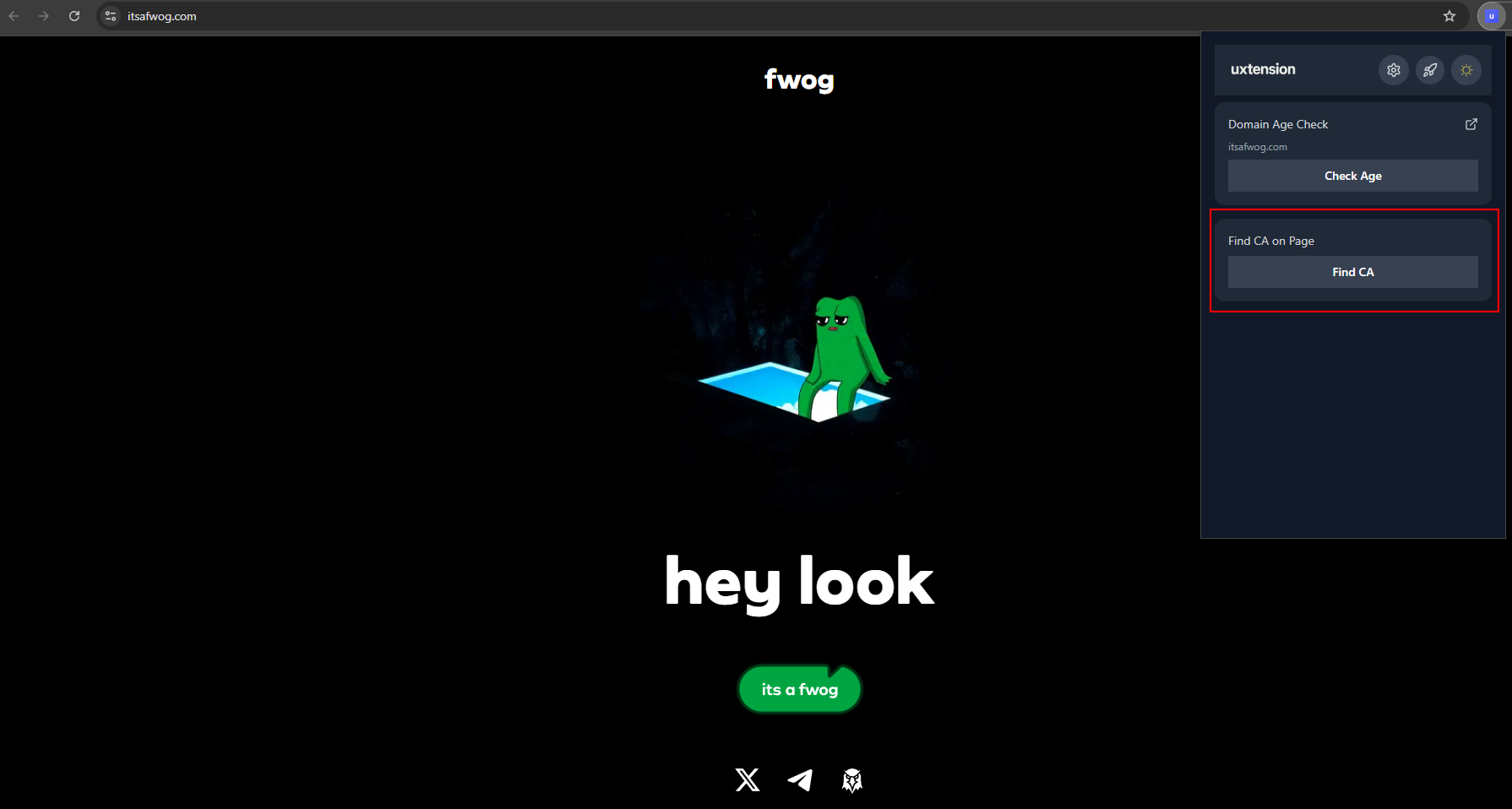
Go on any website, click “Find CA”.
Domain Age Check:
Section titled “Domain Age Check:”To check the age of any domain, simply open uxtension while on the website and click Check Age under Domain Age Check and uxtension will find when the domain was registered.
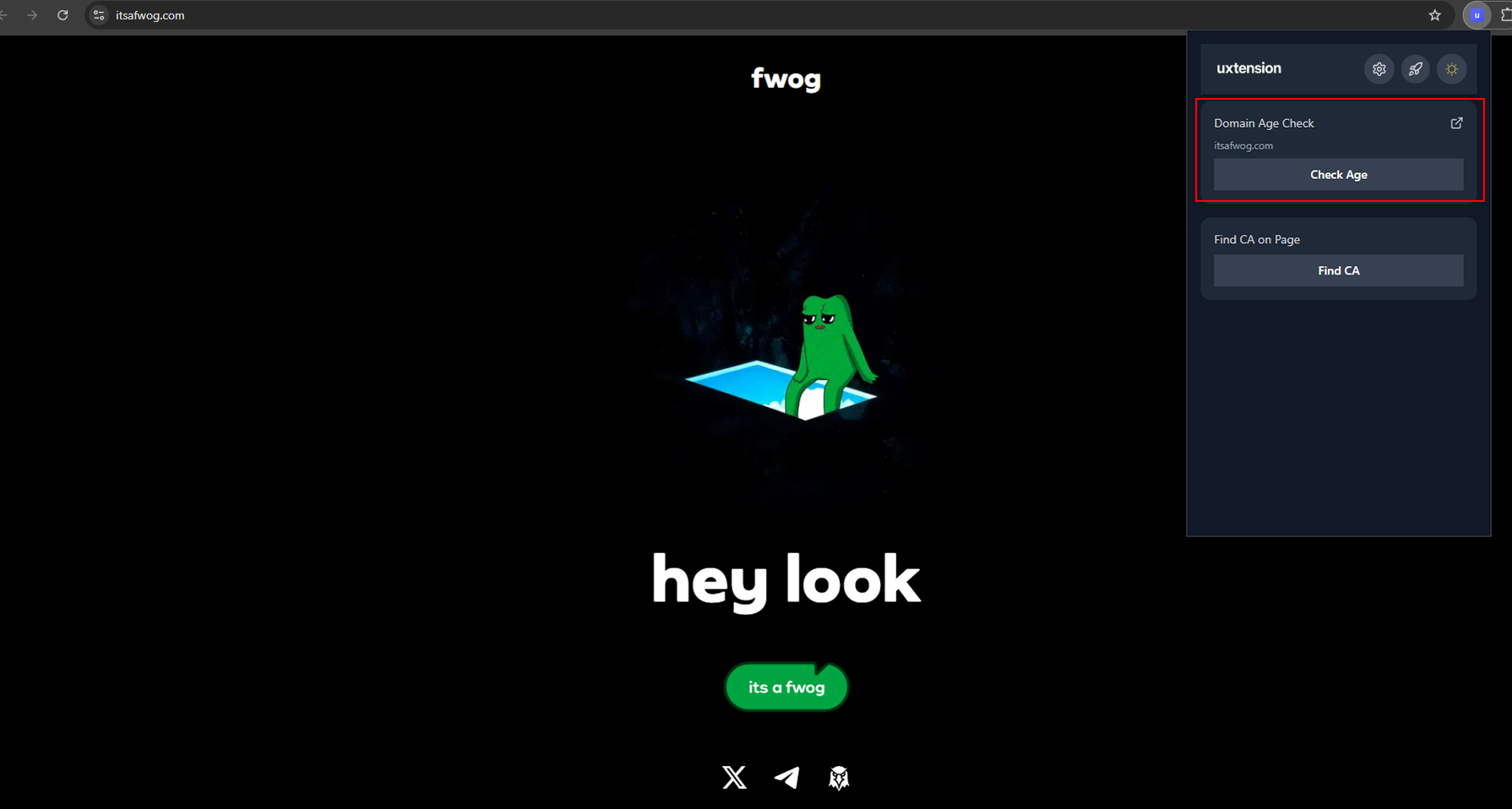
Go on any website, click “Check Age”.
To view a live demo of the CA Lookup & Domain Age Check features, you can watch the below video: